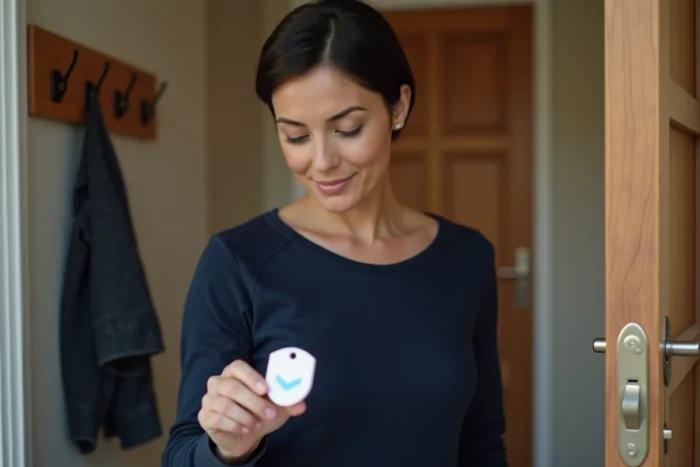
The Verisure badge is a small RFID accessory that allows you to arm or disarm the alarm system without a code or complex manipulation. Its activation relies on pairing with the control panel, a step completed during installation by the technician. The procedure remains accessible after the initial installation, particularly for adding a new badge or replacing a lost item.
RFID Technology of the Verisure Badge and Pairing with the Control Panel
The Verisure badge operates via radio frequency. It contains a passive chip that emits a unique identifier when brought close to the reader integrated into the alarm control panel. The control panel recognizes this identifier and executes the associated command (arming or disarming).
Pairing involves registering this identifier in the memory of the control panel. Without this step, the badge remains an inert object. The control panel’s reader only responds to badges whose electronic signature has been previously validated.
Those looking to understand how to activate a Verisure badge should know that the procedure varies depending on whether the badge is configured during the initial installation by a technician or added later via the client area.
A rarely discussed point: each badge is associated with a user profile in the system. This means that the control panel records not only the badge’s identifier but also the name of the person using it. This association has direct consequences for tracking entries and exits.
Activating a Verisure Badge via the Mobile App
The My Verisure app allows you to manage badges remotely. To activate a new badge, you need to access the user section in the app and then follow the device addition procedure.
The process unfolds in several steps:
- Open the app and log into the client area with the contract holder’s credentials
- Access the user management menu, then select the option to add a badge
- Hold the new badge in front of the control panel reader when prompted by the app, so the control panel can register the RFID identifier
- Assign the badge to an existing user profile or create a new one
The control panel emits a confirmation sound once pairing is successful. If the badge is not recognized, check that the control panel is in listening mode (pairing mode) and that the badge is held close enough to the reader.
The contract holder is the only one who can add or remove a badge. Secondary users do not have access to this function, even if they have the app.
User Profile Management and Deactivation of a Lost Badge
The loss of a badge poses a direct security issue. A person who finds an active badge could disarm the alarm if they know the home address. Quickly deactivating the lost badge is therefore a priority.
From the app or by contacting the Verisure monitoring center, the holder can immediately deactivate a badge without affecting others. The control panel removes the identifier from its authorized list, and the badge becomes unusable.
Since each badge is linked to a profile, deleting a user automatically deactivates their badge. However, deactivating a badge alone does not delete the associated user profile.
Badge Transfer During a Move
Verisure badges are linked to a specific control panel. During a move, badges from the old home will not work on the new control panel without a new pairing. The technician who installs the system in the new home will perform a complete reset.
Field reports vary on the possibility of reusing the same physical badges from one installation to another. Some users report that the technician was able to re-pair their old badges, while others indicate they received new badges. The policy apparently depends on the condition of the equipment and the type of contract.
Software Support Duration and Longevity of the Verisure Badge System
Since 2023, a French decree requires manufacturers of connected devices to indicate the duration for which the device will receive security updates and software patches. For a Verisure system operated by badges and a mobile app, this obligation applies to the control panel, the app, and the badges themselves.
This regulation changes the perspective on badge activation. A properly paired badge today could become unusable if the control panel no longer receives updates in a few years. Users should therefore check, at the time of subscription, the duration of support announced by Verisure for the entire ecosystem.
The question also arises during a contract transfer between owners. Recent standards require that a security device sold or reinstalled can be properly reset, with the deletion of old profiles and badges. A buyer should demand proof that all old badges have been deactivated before configuring their own.
Partial Activation and Verisure Badge: Arm Only Certain Areas
The badge is not limited to a simple on/off switch. The Verisure system offers partial activation that allows you to arm certain areas of the home while leaving others accessible.
- Total activation arms all detectors (motion, opening, cameras) when the home is empty
- Partial activation, often called night mode, arms the detectors on the ground floor and external access points while leaving living areas free
- The choice between these modes is made when the badge is presented in front of the reader, according to the configuration defined in the app
The configuration of the zones associated with each activation mode is managed from the app. The badge executes the last selected mode by default, unless manually changed on the control panel’s keypad.
For households with staggered schedules, this feature prevents the entire system from being disarmed when a family member returns late. This person’s badge can be configured to only disarm the entry area, leaving the rest of the home protected.
Activating a Verisure badge goes beyond simple technical manipulation. It involves a reflection on access profiles, the lifespan of the equipment, and the management of rights within the household. Regularly checking the list of active badges in the app remains the best habit to maintain a level of security consistent with the actual use of the system.